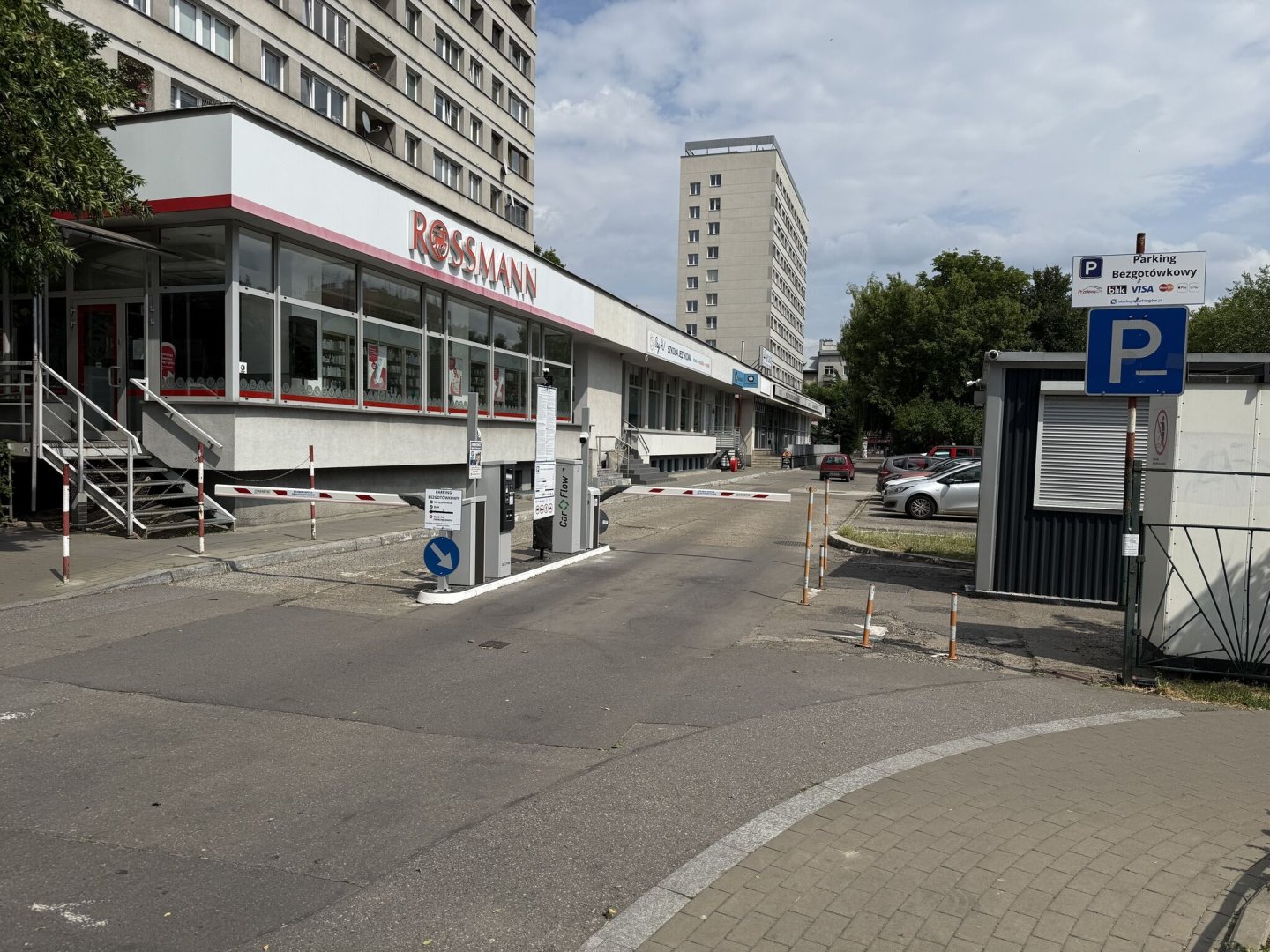
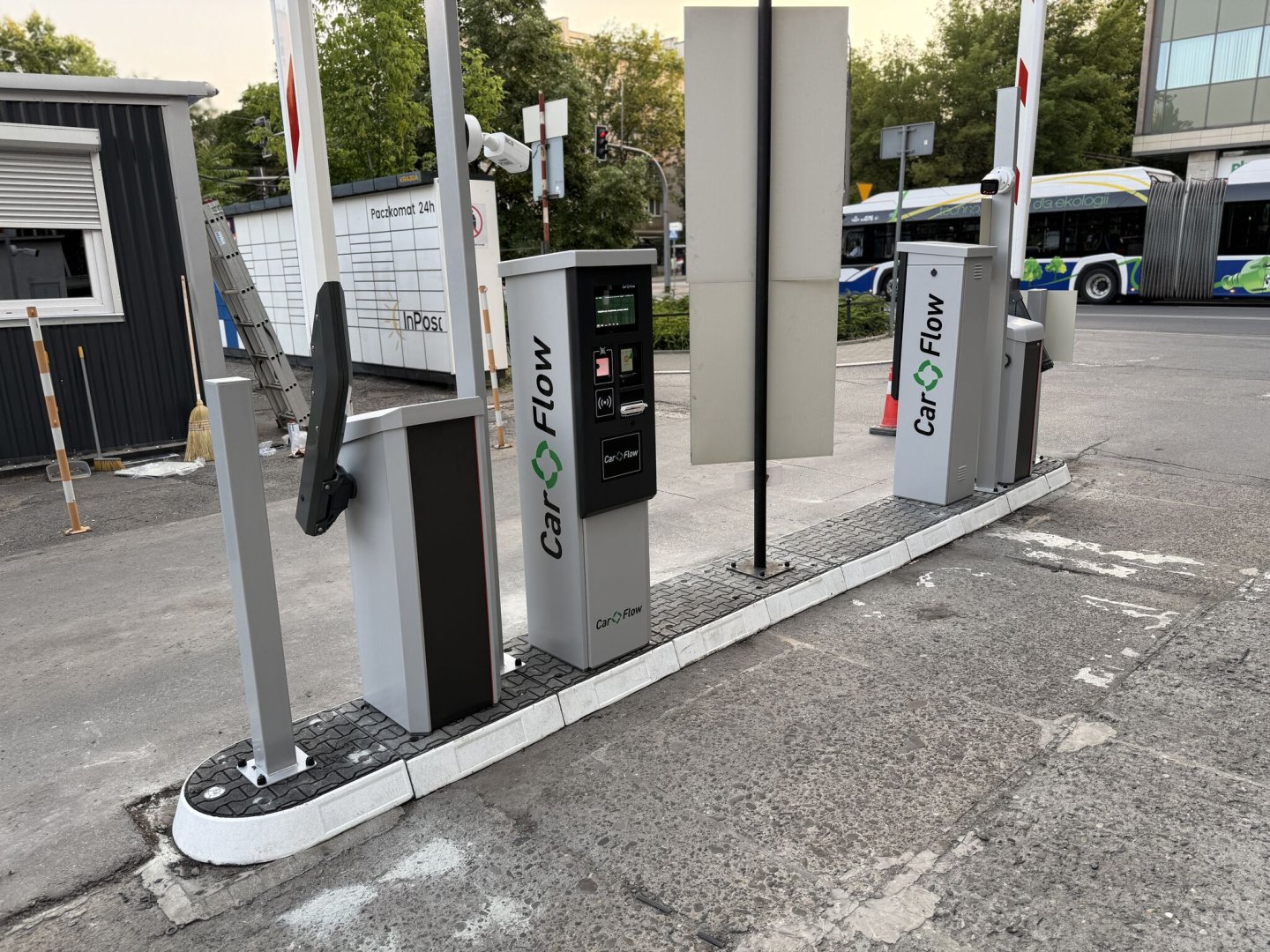
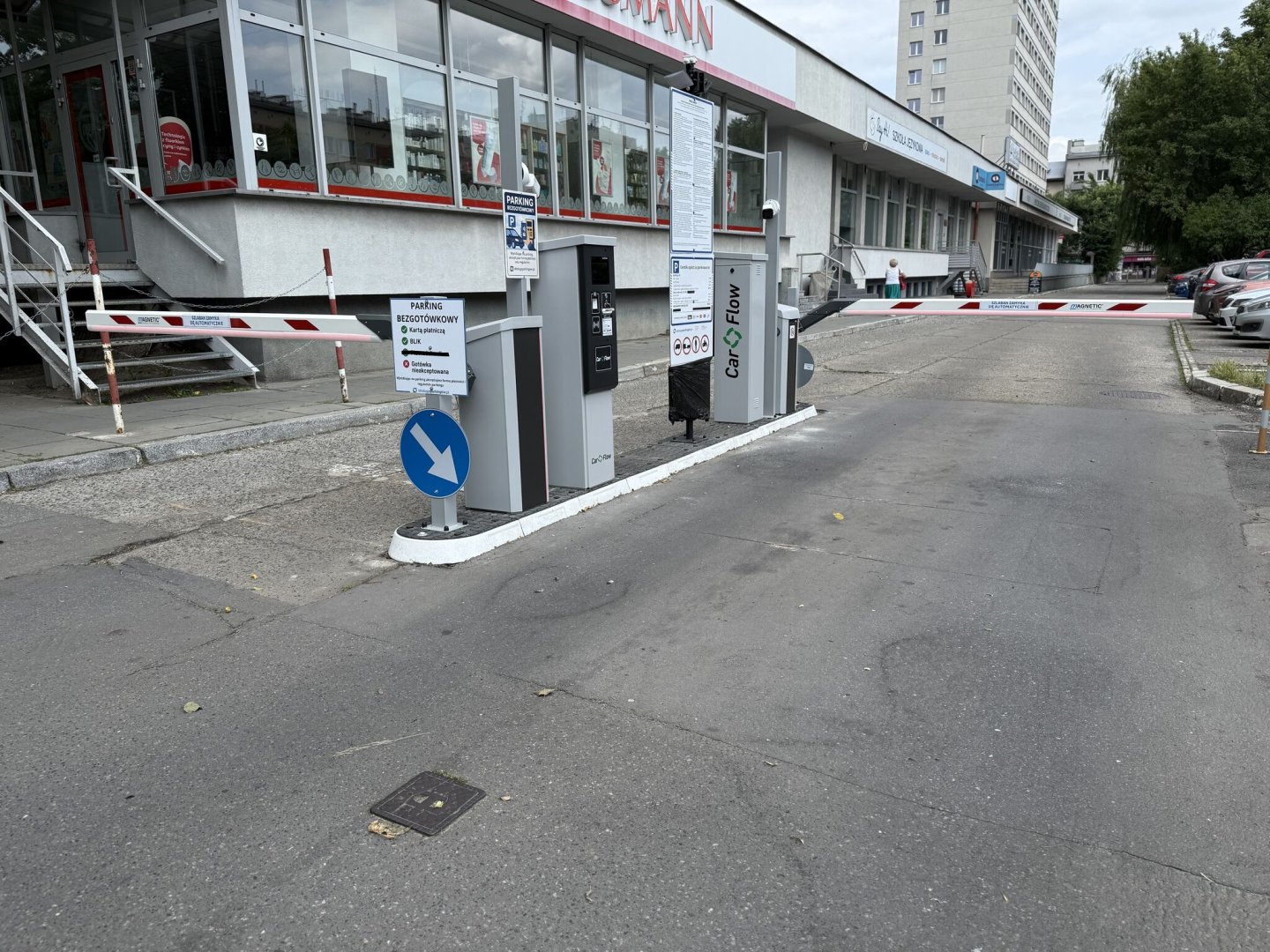
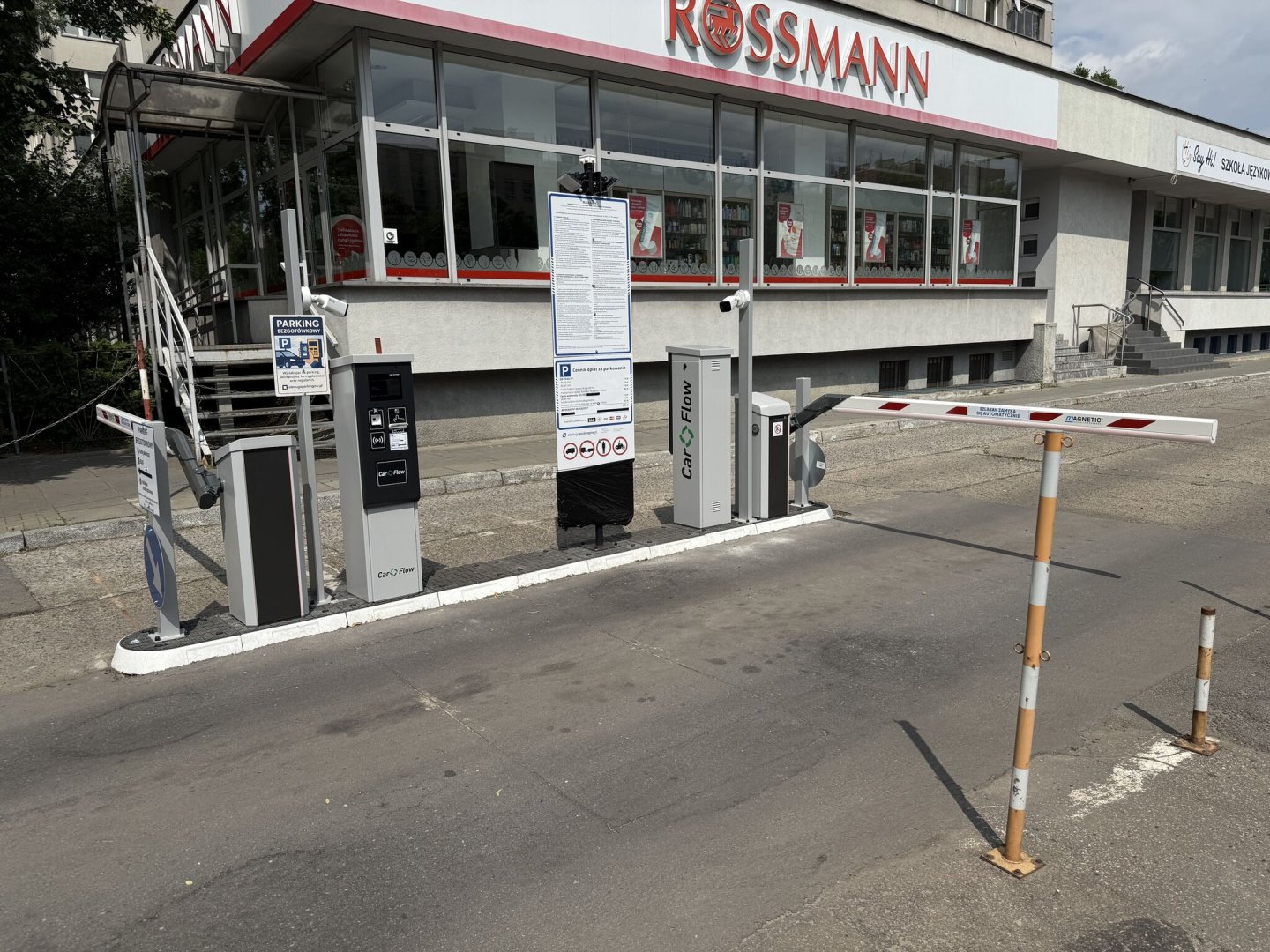
The Car Flow System parking solution has just been installed at the Gamedia facility in Kraków. This innovative and intelligent parking system combines modern technology, user convenience, and functionality at the highest European standards.
Why choose Car Flow System?
The new parking system in Kraków streamlines parking operations, offering:
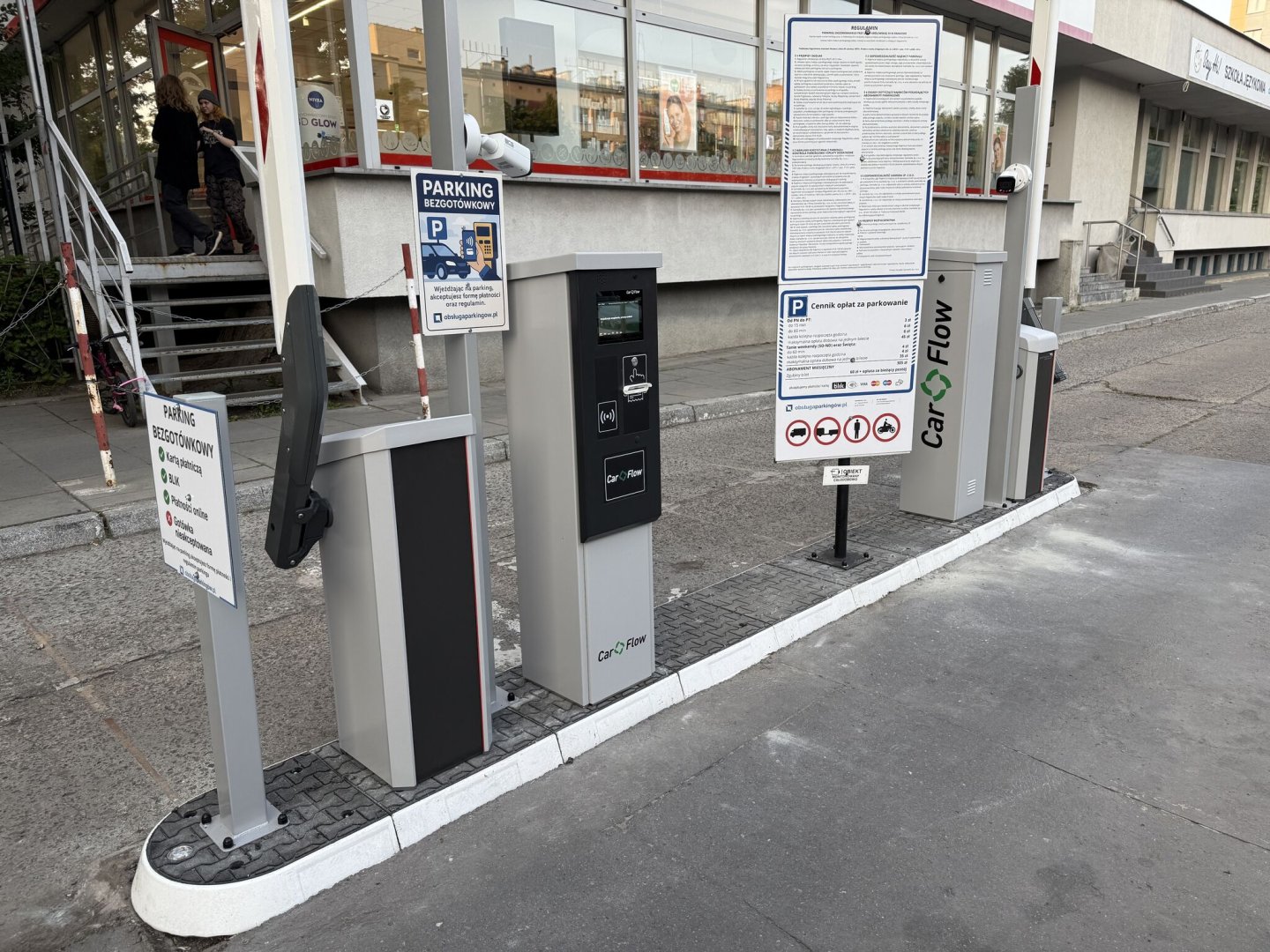
- Intuitive entry and exit terminals
- Online payment options (NFC, BLIK, PayPass)
- Remote system monitoring and configuration
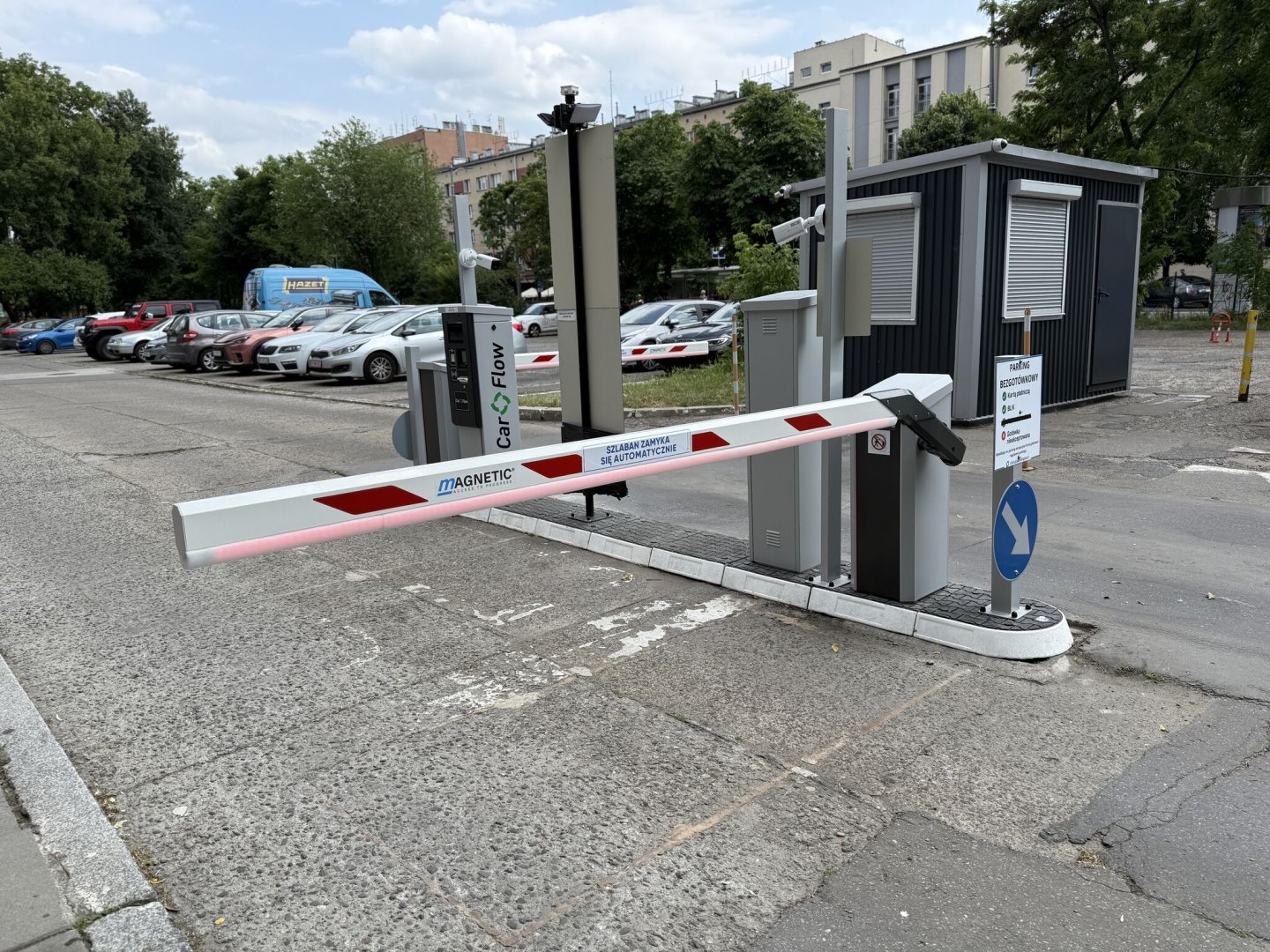
- Integration with LPR cameras and automatic barriers
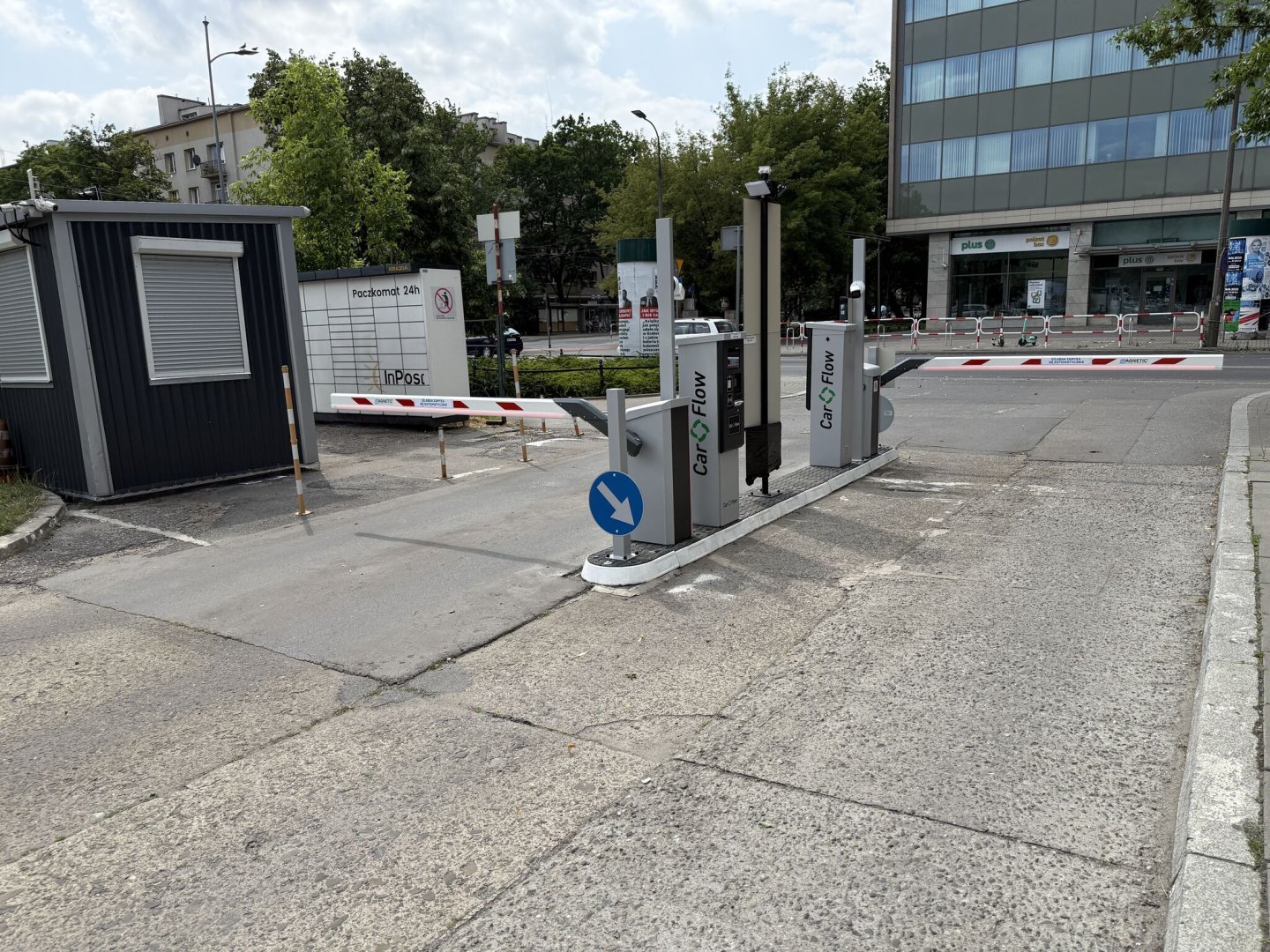
Car Flow System configuration at Gamedia Kraków
- 2x entry/exit terminals (CFS-S-E7 / CFS-S-X7) – 7" touch screen, multilingual support, QR tickets, cashless payments
- 2x Parking Pro barriers with LED lighting
- 2x CFS-LPR cameras with OCR licenses and controller
- 1x CFS server with monitor, keyboard, and mouse
- CarFlow 2.12 software package – online payments, remote access, mobile validation
- Full parking signage, protective islands, and subscription card readers
Intelligent parking for the future in Kraków
Car Flow System provides a comprehensive solution for urban facilities, office buildings, and shopping centers. Online payments, remote ticket validation, and full automation make it the parking system of the future for any modern city.
We thank our partners – Gamedia and Krakmetal – for their involvement in this project. The result is a Polish parking system that meets the highest European standards. Stay tuned for more Car Flow System installations – follow our updates and visit our LinkedIn profile!