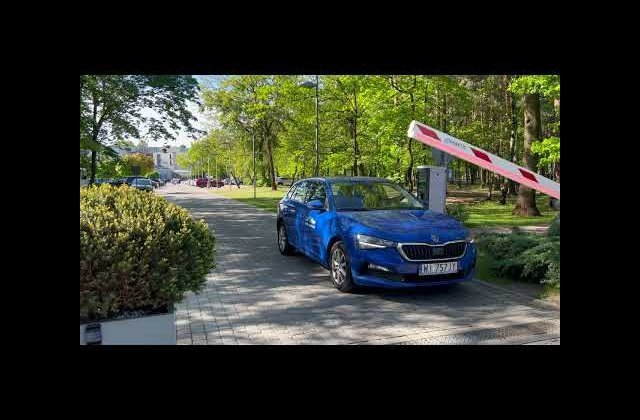
Car Flow System Parking – a Modern Solution Based on LPR and Machine Learning
The Car Flow System parking solution is a modern, reliable, and fully secure parking system based on advanced license plate recognition (LPR) and machine learning. It features highway-level reading quality (18-frame video) and a learning system for license plates appearing on the parking lot.
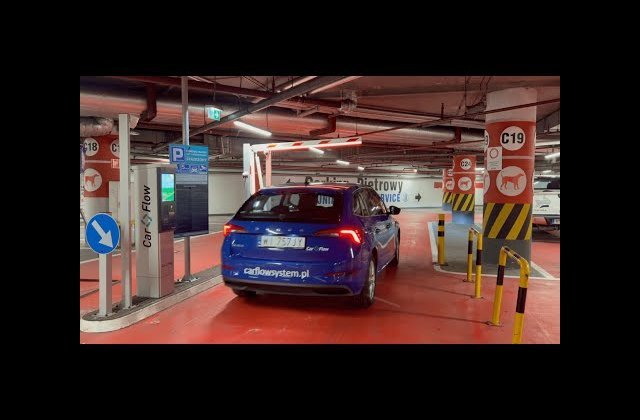
The system is built on proprietary Car Flow hardware – entry terminals, exit terminals, passage terminals, barriers, and other equipment – as well as the internally developed CFS 2.0 parking management software. Car Flow System primarily operates in ticketless hybrid mode, serving both rotational and subscription customers. It can also function in fully ticketed or fully ticketless modes, though ticketless hybrid is recommended as the most reliable, cost-effective, and convenient solution.
Parking Entry – Rotational Customer
For a rotational customer:
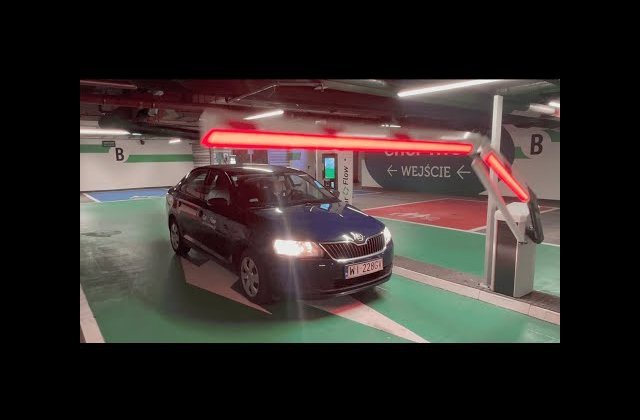
The driver approaching the entry line is identified by an LPR camera (license plate recognition). The driver must stop in front of the closed barrier.
After driving over the activation loop (A), the entry terminal is activated, and the detected license plate is sent to the database. The terminal screen asks: “Is the detected license plate correct?” with the detected plate displayed and options YES or NO.
If YES is selected, entry occurs without a ticket printout. If NO is selected, a ticket is printed with a QR code and all necessary information, including entry date and time, ticket number, and client name and address.
The front panel also has an illuminated ticket collection button, which automatically selects YES.
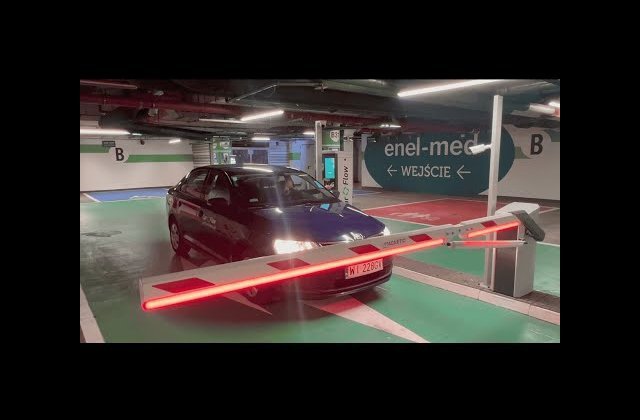
Once YES is selected or the ticket is collected, the barrier opens automatically, allowing entry. Entry is recorded after activation of loops A and B and deactivation of loop B.
If the driver withdraws, the ticket and license plate remain inactive, and entry is not recorded.

Payment – Rotational Customer
Drivers can pay at automatic pay stations (cash or cashless – card, BLIK, NFC), at exit terminals (cashless), or via the mobile app (multiple options).
Payment at Automatic Pay Station (optional):
After identifying the customer by scanning a QR-coded ticket or entering the license plate (depending on the assigned identifier), the parking fee is calculated and displayed. Payment can be made with coins, banknotes, or cashless (NFC, BLIK). The machine returns change in coins.
If parking is shorter than the free period, a message indicates that no payment is required.
The 15-inch (also available 7-inch) touch display has language selection buttons, functional buttons per client needs, and an advertising display for JPEG/GIF files.
The pay station can show messages in multiple languages including Polish, German, English, French, and Ukrainian.
After payment, the customer can print a simplified invoice with a VAT number.

Payment at Exit Terminal (optional):
After identifying the customer by scanning a QR-coded ticket or reading the license plate, the parking fee is calculated and displayed.
Payment can be made cashless (card, NFC, BLIK). The 15-inch touch display (also 7-inch available) includes language selection buttons, functional buttons, and advertising space for JPEG/GIF files. Multiple languages are supported, and simplified invoices can be printed.

Payment via Mobile App (optional):
After launching the app, the user selects the parking lot. Following identification via QR code or license plate, the fee is calculated and can be paid via Przelewy24. If the stay is shorter than the free period, the app indicates that no payment is required.

Validation (optional)
Validation provides a time-based or percentage discount, or authorizes free parking time for a specific driver. Discounts are applied via a validation app. The user selects the parking lot, scans the QR ticket or enters the license plate, and the discount (e.g., 3 hours FREE) is automatically applied. Validation can occur at the start or end of parking. Optional tablet stands with pre-installed apps can be placed in gyms, cinemas, or other locations for staff to validate parking.

Reservations (optional)
The CFS 2.0 system supports reservations, useful for pre-booking parking spaces at airports, events, concerts, or sports games. Reservations are made via the parking system or dedicated website with API integration. The customer receives an email with reservation details, license plate, date, time, and QR code. Vehicle access is managed at entry and exit. Overstay fees can be paid at automatic pay stations or exit terminals.

Tenants
Tenant administrators have individual access to the parking system to manage parking permissions for their users. They can assign access cards, license plates, or QR codes for specific parking zones during designated periods, and generate reports. Parking fees can be managed internally by tenants or collected at the parking system pay stations.

Parking Exit – Rotational Customer
The exit procedure for rotational customers:
- The driver approaches the exit line and is identified by the LPR camera.
- Driving over activation loop (A) triggers the exit terminal and sends the plate to the database.
- If the plate is found in the parking database, identification is automatic.
- If not, the driver must scan the QR code on the ticket.
- The system verifies if the parking fee is paid.
- If a 15-inch exit terminal is used and payment is required, the cashless payment reader is activated.
- A simplified invoice with VAT number can be printed.
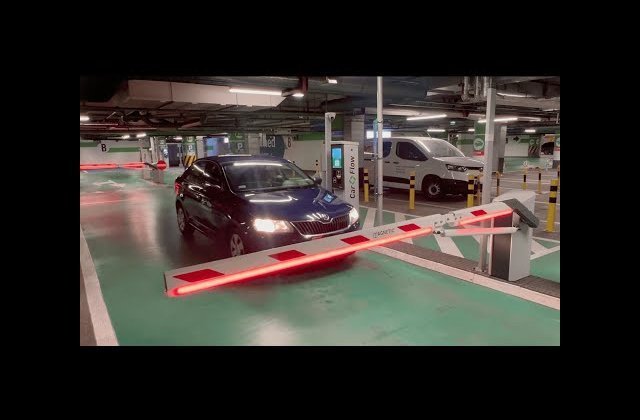
- Payment or cancellation triggers automatic barrier opening.
- Exit is recorded after activation of loops A and B and deactivation of loop B.
- If the driver withdraws, the ticket and plate remain active, and exit is not recorded.
Subscription Customers
Subscription customers have an active parking subscription. Registration is via large automatic or manual pay stations. The driver’s plate is registered, and entry occurs automatically via plate recognition. If the subscription is valid, the barrier opens automatically. If a different vehicle is used, entry occurs via the entry terminal card. CFS 2.0 prevents multiple uses of the same card for different vehicles if one is already on the lot.
Contact Us
Want to learn more about Car Flow System? Contact the Car Flow System team – we will advise, design, and implement a solution perfectly tailored to your needs.