

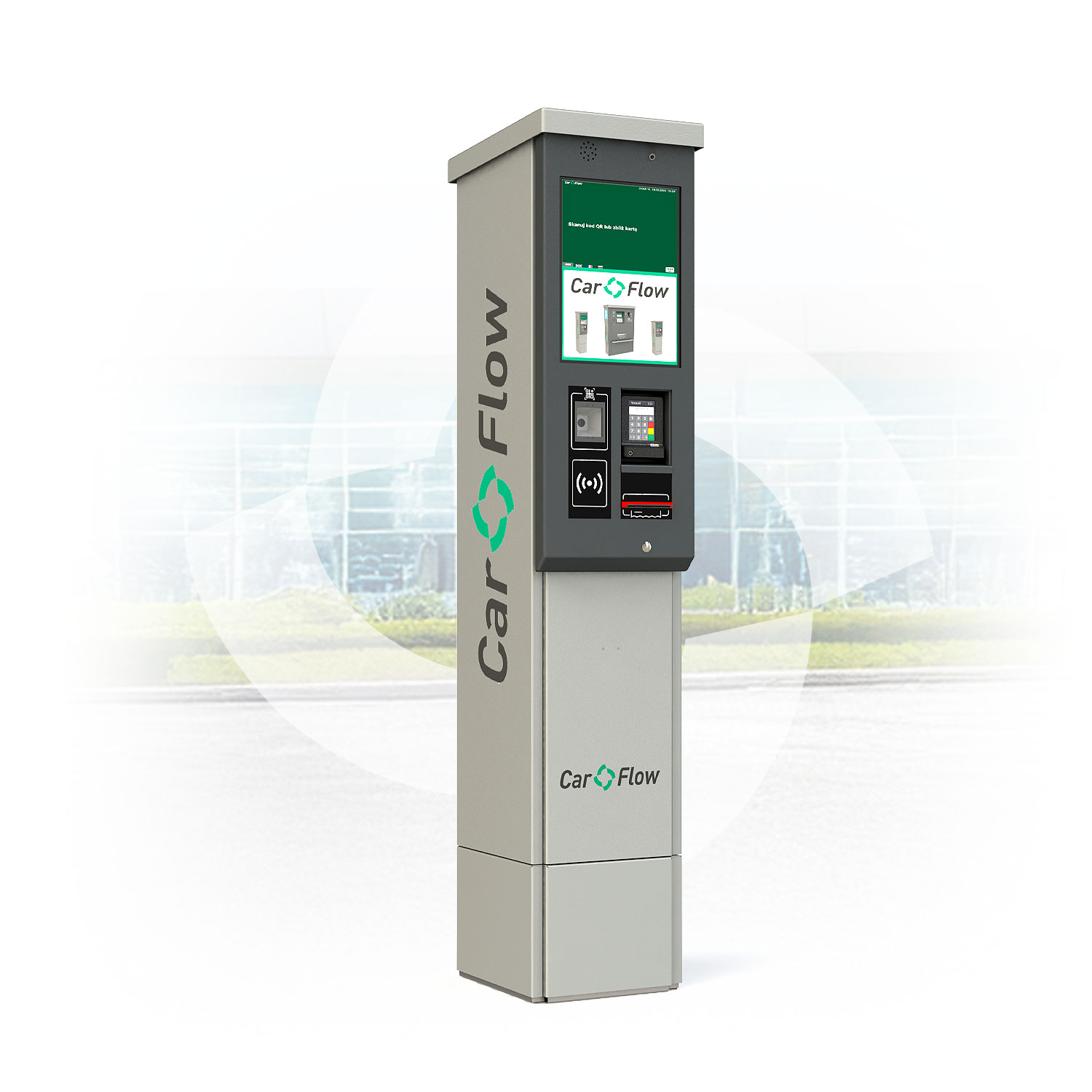
Automatic Cashless Payment Station
CFS-S-CP
The device is designed for parking fee collection exclusively through contactless payments. It allows 24/7 use of the parking lot without staff involvement. Additionally, it enables the purchase of subscriptions and replacement tickets for lost ones.
It features a modern design and stable Linux-based software. The terminal is designed for ease of use by both drivers and facility managers. It operates in one of three modes: ticket-based, hybrid, or ticketless.
Standard equipment
- Housing made of aluminum and AISI 304 stainless steel, powder-coated – type S RAL 9006
- QR code scanner – with the ability to read codes from phone screens, supports tickets, subscriptions, and reservations
- 15” color display with touch panel, resolution 1024×768, capable of displaying ads, brightness 1000 cd/m²
- Supports up to 6 foreign languages
- Mifare contactless card reader (13.56 MHz)
- Cashless payment module (card, BLIK, NFC)
- Communication via TCP/IP protocol
- Hard reset module, heating blower with thermostat – operating temperature from -20 to +70 °C
Configuration options
- Any color from the RAL palette
- TCP/IP intercom module
- Payment confirmation printer (with the option to enter buyer’s VAT ID, simplified invoice)
- Unique contactless card reader (125 kHz)
- Any reader provided by the Investor
- Voice commands in any language chosen by the client on the terminal display
- LED front lighting of the payment terminal